


How to Manage Multiple Customers
Orders Efficiently with growing customers network you will receive multiple grocery orders from different customers at once. Managing these orders properly is important. Avoid confusion, delays, and missed information. Following is simple and organized approach to help AAP KA BAZAR Partners handle customer orders efficiently.
1. Keep Customers Orders Organized
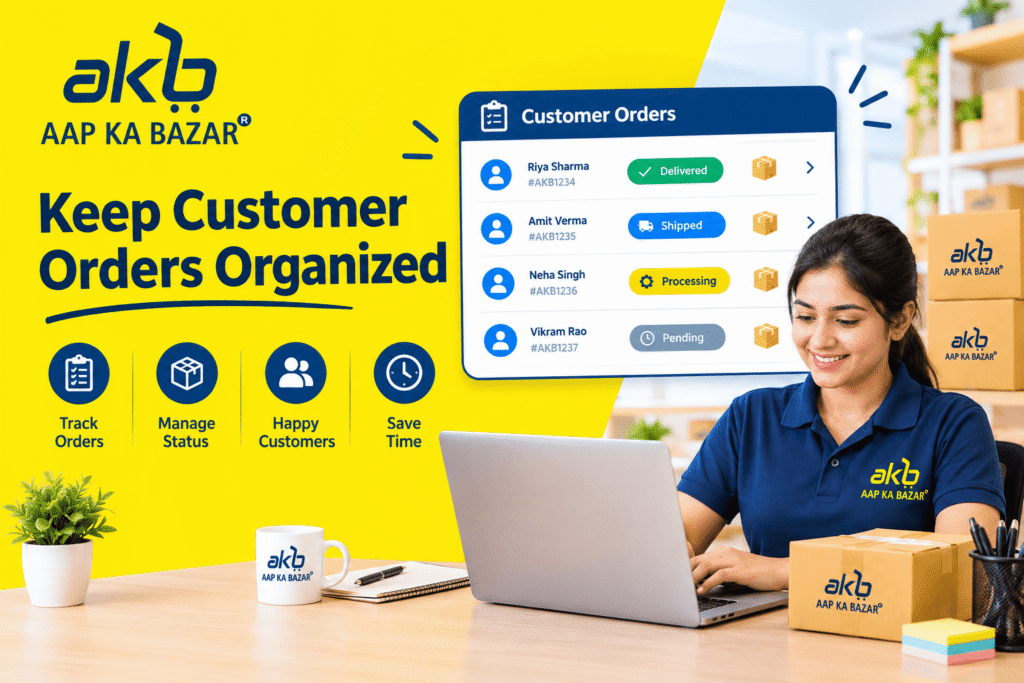
Keep the information organized from the beginning. Note the customer name, order details, and any important requirements.
Use a simple list or organized record to make it easier to check in with orders that have been received, processed, or completed.
2. Check Every Order Carefully
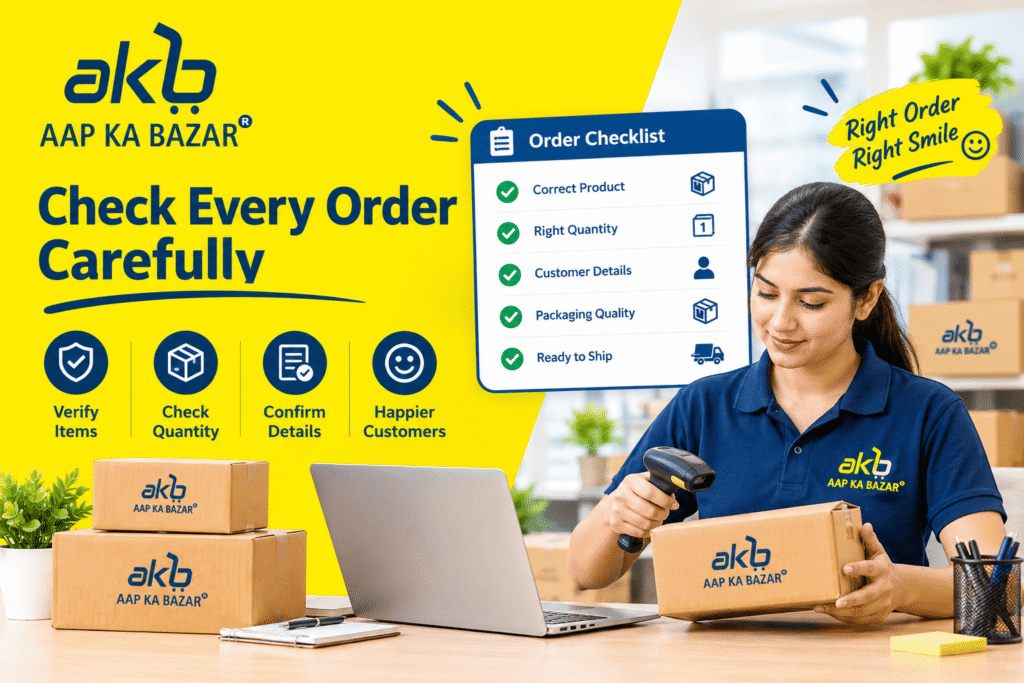
Review the details carefully before processing any order. Understand the products and quantities requested by the customer.
Take a few moments to check an order to help reduce mistakes and make the ordering experience smoother for customers.
3. Prioritize Orders Properly
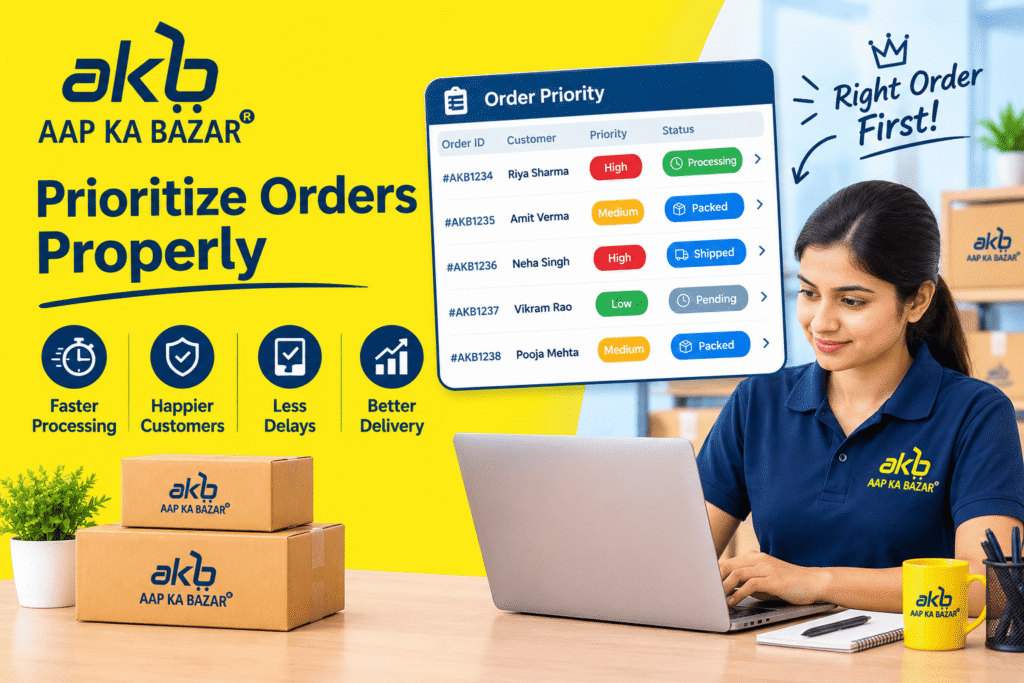
Decide how you will manage when several customers place orders around the same time and organize sequence. Paying attention to the order timing and any specific customer requirements can make a big difference.
A clear process can help you avoid handling orders randomly and make your daily work easier.
4. Use the AAP KA BAZAR Partner Panel Effectively

The AAP KA BAZAR Partner Panel is an important part of managing your grocery business. Understand the available features and the basic order process for easier operation of the website.
Being comfortable with the Partner Panel will help you manage customer orders. it will help you gain confidence as your customer network grows.
5. Keep Customers Updated

Good communication is important to manage multiple orders. Respond clearly and politely when a customer has any question, doubt or needs any information. This will build a strong relationship with customers.
Keep customers informed, this will make them feel more comfortable and helps build trust in your service.
6. Avoid Mixing Up Customers Requirements
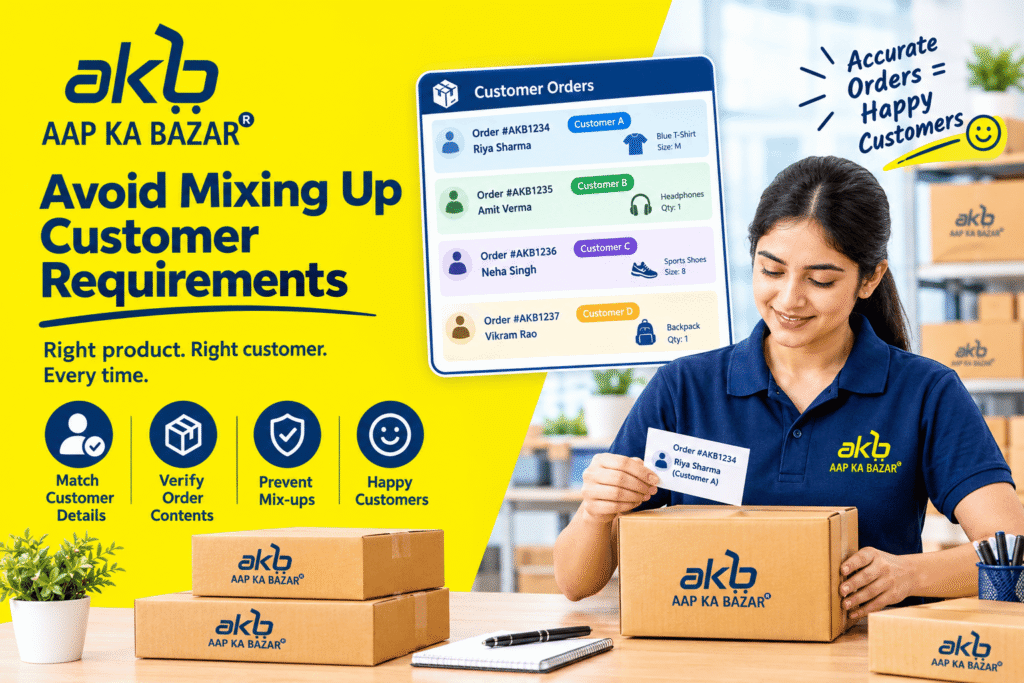
It is important to keep each customer’s information separate when handling several customers. Pay attention to every customer’s product preferences, quantities, and other requirements.
A simple customer record will help you remember important details and will reduce the chances of mixing up orders.
7. Follow Up After Orders

A simple follow-up after an order completion can help you understand the customer’s experience. Ask if everything went smoothly and whether they need help with anything else.
This will also give you an opportunity to understand your customer’s regular grocery needs and build a stronger customer relationship.
8. Create a Simple Daily Routine

Having a daily routine will make multiple orders easier to manage. Set aside a dedicated time to check new orders, update order records, communicate with customers, and review completed orders.
A consistent routine will help you stay organized instead of trying to manage everything at the last minute.
Conclusion
Managing multiple customer orders can become easier if you follow a clear and organized process. Keeping order information updated, checking every order carefully, communicating with customers, and using the AAP KA BAZAR Partner Panel effectively will help you manage every order. With regular practice and consistency, you can also manage a growing customer network while providing a better grocery ordering experience to everyone.